


Alternative to Maptitude Mapping Software
You should not need a GIS certificate to map your data. Maptive is powerful enough for enterprise work and simple enough to use on day one, with a support team that treats your questions like they matter.
No credit card required
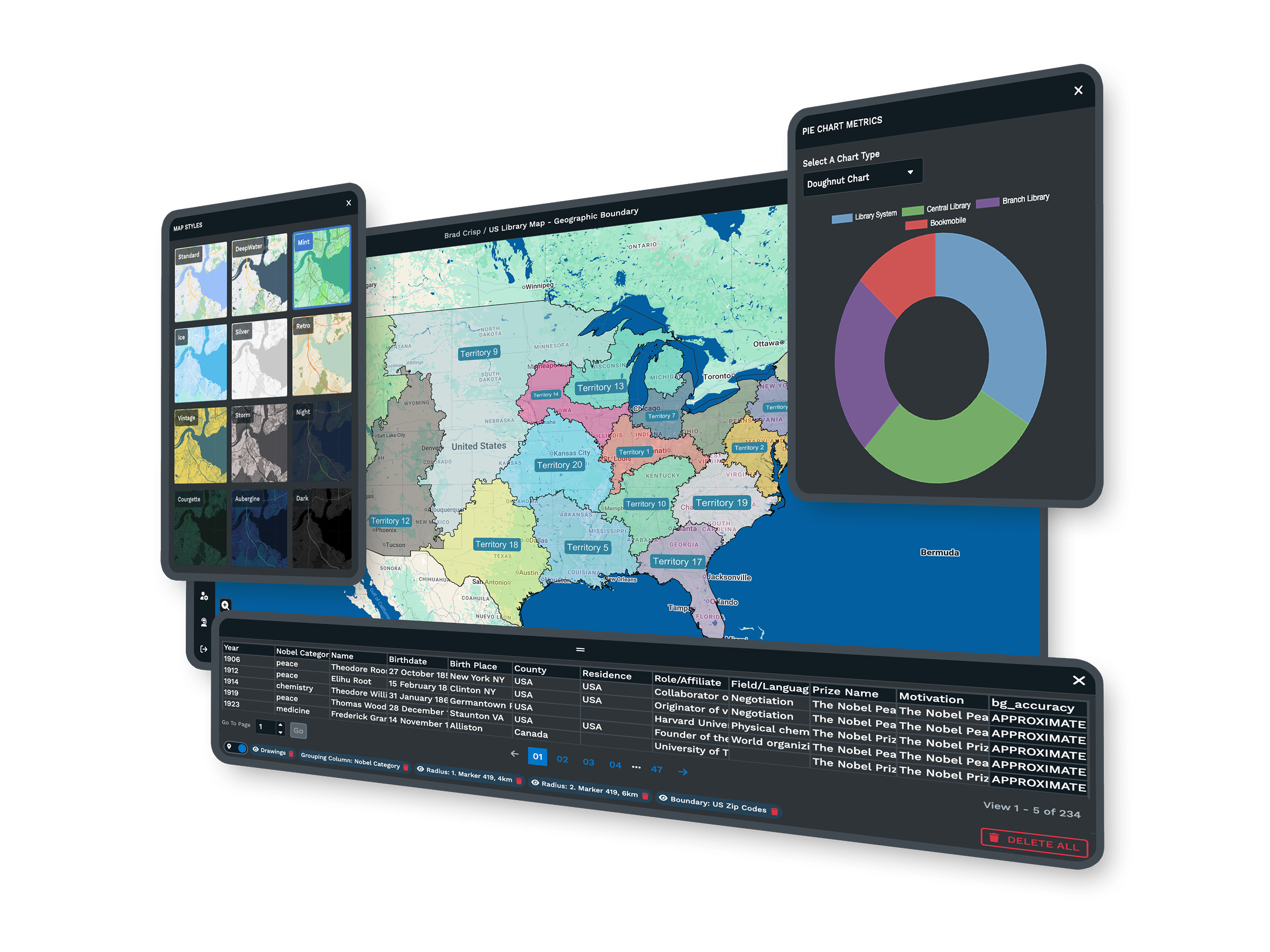
- Browser-based, nothing to install
- All 60+ tools on every plan
- 9.7/10 support rating on G2
- No GIS skills needed to start
Trusted by teams at
















The Maptive Advantage
Everything below comes on every plan, in one browser-based platform you can use on day one.
| Capability | What Maptive Delivers |
|---|---|
| Platform Access | Runs 100% in the browser on the Google Maps Platform, across Mac, Windows, iOS, Android, Chromebook, and tablets. Installation and IT setup are not part of it. Log in from any device and your maps are right there. |
| Processing Power | WebGL rendering holds 200,000+ markers at once with no browser slowdown, and supports 100,000 locations per map. Batch geocoding clears 50,000 rows in 30 seconds, and on-demand tile streaming keeps large data sets moving. |
| Feature Access | All 60+ mapping and analysis tools on every plan, with no tiered locks. Territory optimization, routing for 73 stops, drive-time polygons up to 8 hours, 50+ census variables, 100,000+ data layers, and exports up to 5120x3200 pixels. |
| Uptime & Reliability | 99.9% uptime with zero major outages in 2025, on enterprise cloud infrastructure with hardware redundancy and automatic failover. Your work saves itself while you process, so a dropped connection never costs you the map. |
| Sharing & Collaboration | One click turns a map into a URL with optional password protection, and you can embed interactive maps on any site. Permissions go down to tools, data columns, and editing. Recipients open the map in any browser with no account. |
| Data Integration | CRM sync with Salesforce, HubSpot, Zoho, Pipedrive, and Keap, plus a live Google Sheets connection. A REST API handles 1M+ address lookups a month, maps refresh within 90 seconds of a CRM change, and Excel, CSV, and paste imports all work. |
| Support | A 30+ person team in the US and Canada, all trained mapping experts, on live chat, phone, and email for every plan. First reply in under 15 minutes and most requests solved the same day. Data imports and file cleanup are included. G2 rates support 9.7/10. |
| Updates | Updates ship in the background, so you skip reinstalls, firewall conflicts, and license transfers and always have the latest tools. Spreadsheet versioning tracks data changes over time with full undo and redo. |
| Mobile Access | Full functionality in any mobile browser on iOS, Android, and Windows. Field teams reroute around traffic, pull turn-by-turn directions, run distance and radius tools, and sync changes back to headquarters in real time. No app download required. |
| Security | 256-bit SSL encryption in transit and at rest, two-factor authentication, and single sign-on. Role-based access controls and full audit logging. Maptive passed the Salesforce AppExchange security review and offers regional data storage for compliance. |
See What Maptive Can Do for You
The tools business teams reach for most. Tap any one to see how it works.
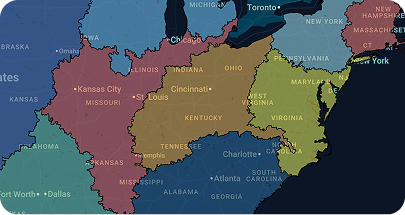
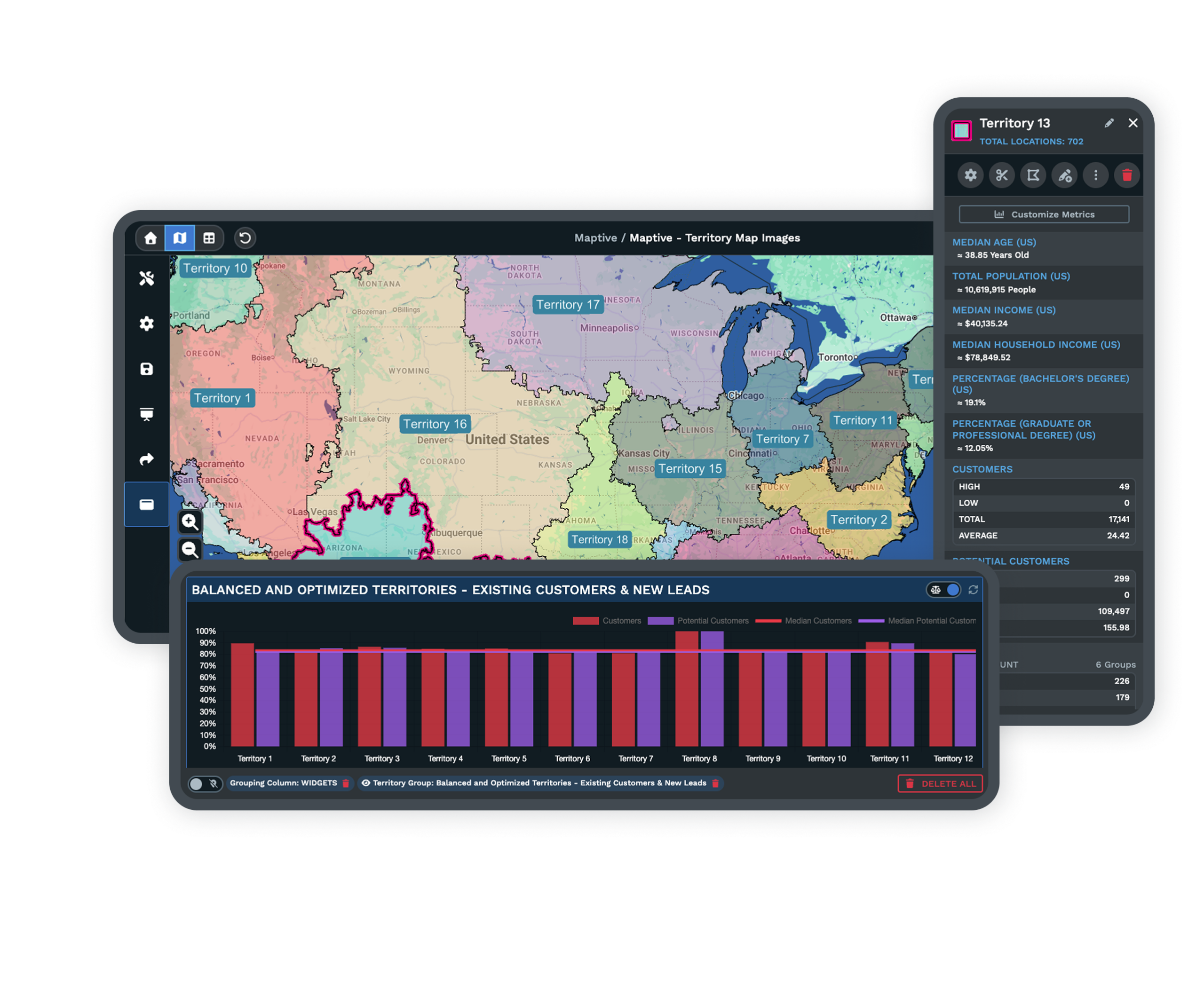
Create Sales Territories
Draw territories by custom boundary or zip code, then roll up sales and demographic data to plan smarter.

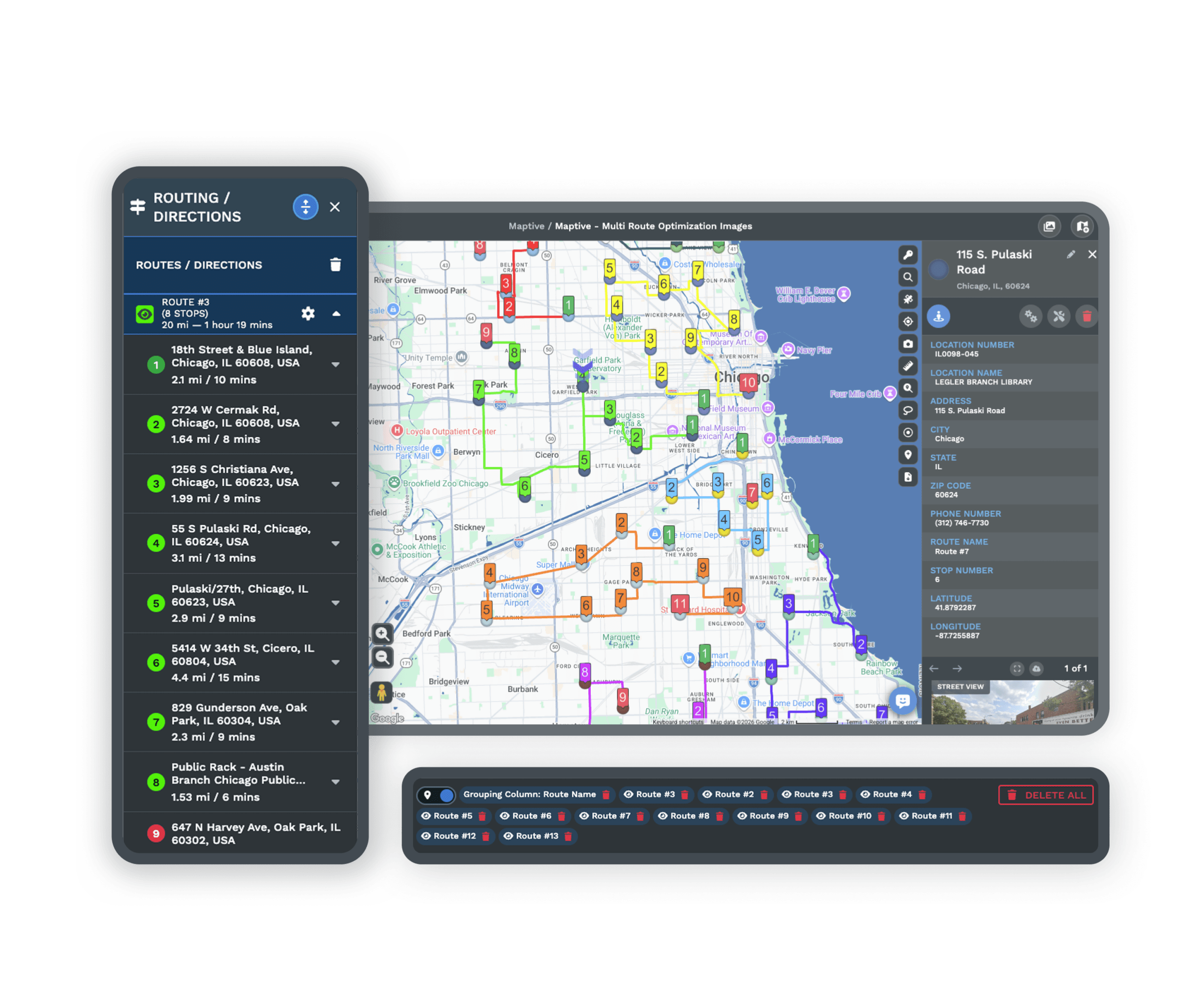
Route Optimization
Optimize routes across up to 73 stops and export turn-by-turn navigation for drivers and field teams.
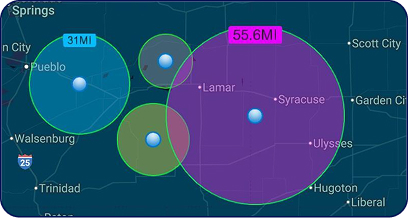
Map Radius Tool
Define an area with a radius, then export the locations inside or send them straight into route planning.
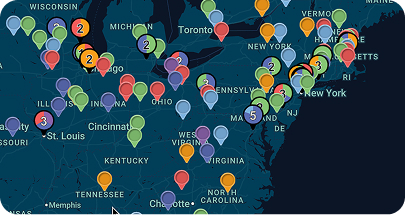
Colored Marker Grouping
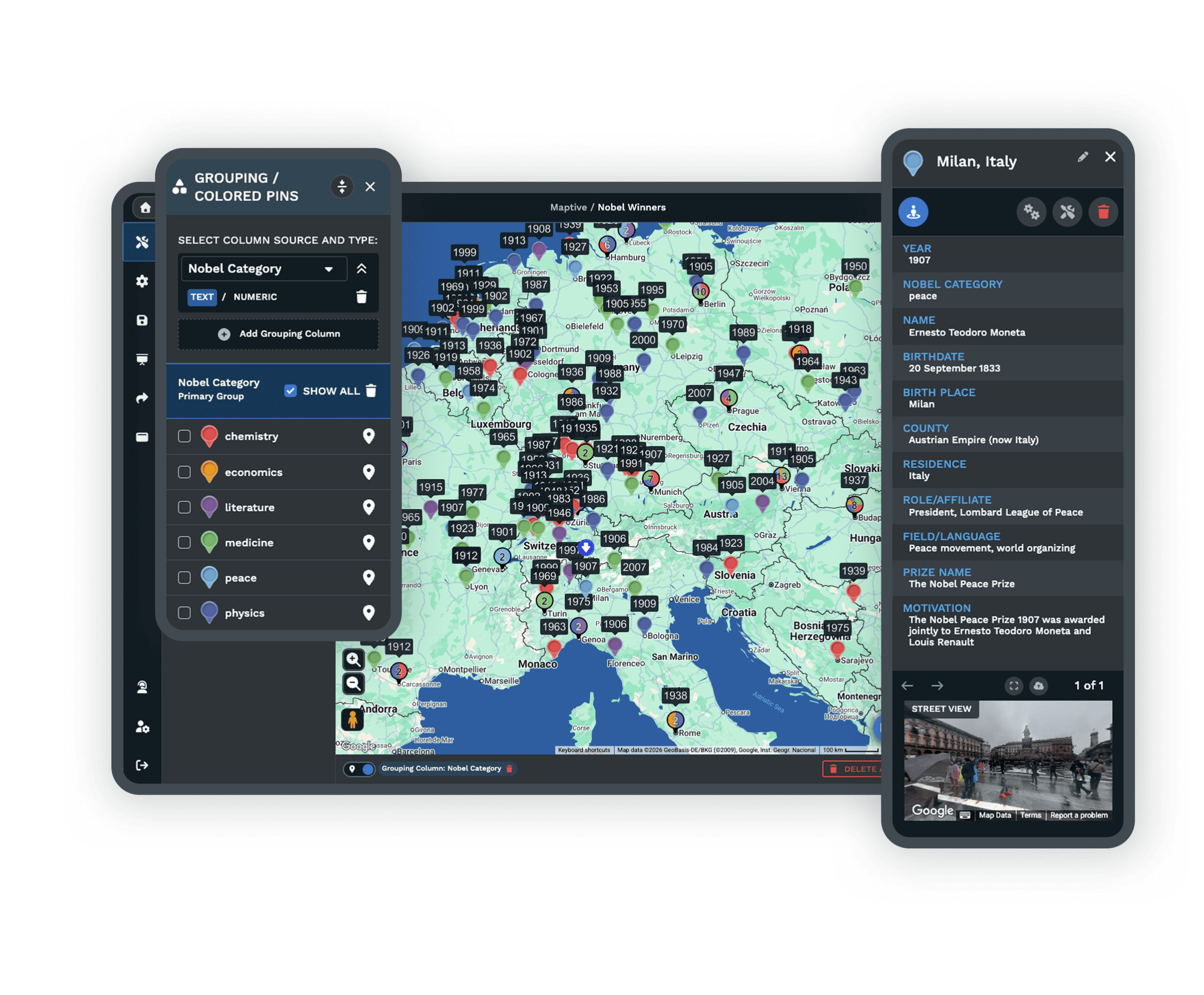
Group markers by category and color-code spreadsheet values in one click for instant clarity.
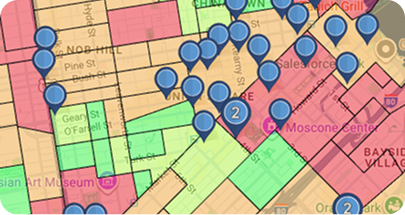
Demographic Maps
Layer US and Canadian census data to read population density, income levels, age groups, and more.
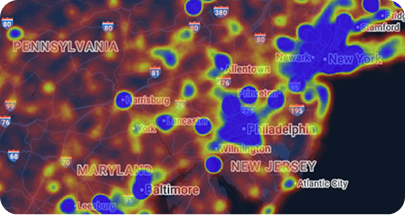
Heat Map Generator
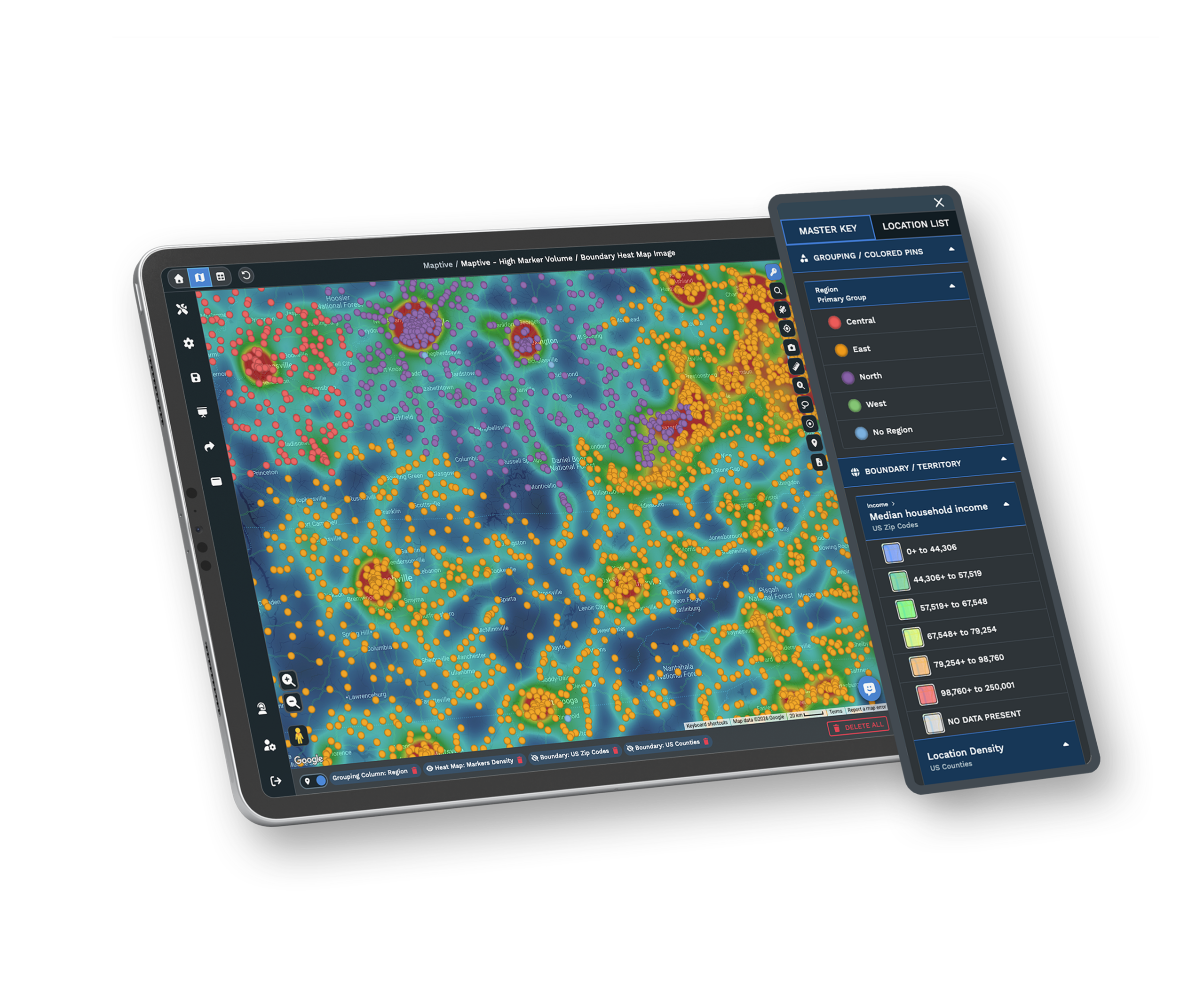
Turn raw numbers into presentation-ready heat maps of performance, density, or demographics.
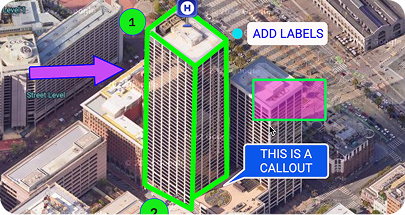
Drawing Tool
Add shapes, labels, text, and icons so a map reads clearly in a report or a client deck.
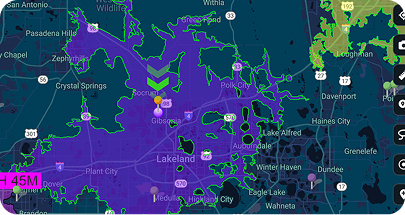
Drive Time Polygons
Map how far a team can travel within a set drive time, measured in hours and minutes.
You Don't Need to Be a GIS Expert to Map Your Data
Your location data matters, and reading it should not take special training. Maptive runs in your browser, so you upload a spreadsheet and watch your locations land on an interactive Google Map within minutes. Sales, operations, or leadership, you build a working map in your first session with no help from IT.
The interface handles the complex parts behind the scenes, so your attention stays on the insight instead of the software. Maptive is built for business users who need an answer fast, not for technicians who want to write code. If you can use a spreadsheet, you can use Maptive.
When You Have a Question, You Deserve a Fast Answer
Our 30+ person team sits in the US and Canada and answers by live chat, phone, or email, Monday through Friday, 8 AM to 8 PM Eastern. Most people hear back in under 15 minutes, and the majority of requests are resolved the same day.
Need help importing data, cleaning a messy file, or configuring a custom map? That is included at no extra cost. G2 rates our support 9.7 out of 10, and we work hard to keep it there. You are getting a team that wants to see you succeed.
Your Tools Should Work Together, Not Against Each Other
You run a mix of devices and software, and Maptive fits into that workflow. It works on Mac, Windows, iOS, Android, and Chromebook through any modern browser. If you use Salesforce, HubSpot, Zoho, Pipedrive, or Keap, your CRM data syncs automatically within 90 seconds, and Google Sheets keeps your maps current without manual uploads.
Your data stays protected with 256-bit SSL encryption, two-factor authentication, single sign-on, role-based access, and audit logging. Maptive passed the Salesforce AppExchange security review, so your IT team can sign off with confidence. You get the flexibility and keep the security.
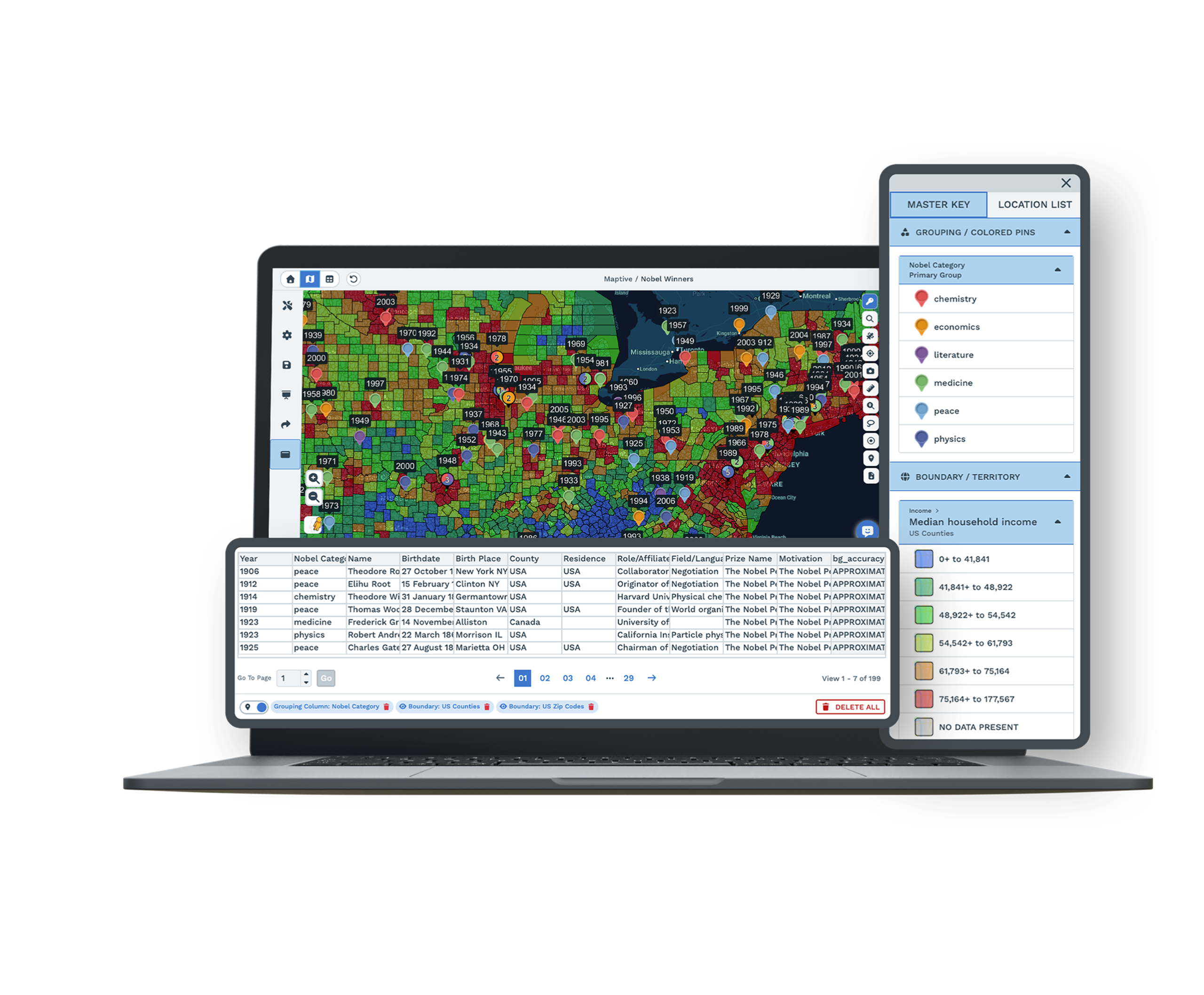
Sometimes You Need More Than a Quick Answer
Our support team helps with data imports, file cleanup, custom map configurations, and complex rollouts at no additional charge. Book a one-on-one session for territory setup or a bulk data migration whenever you want hands-on guidance. We are here for the big work, not only the quick fixes.
Every user gets the same expert attention, whatever plan they are on. There are no premium support tiers and no surprise fees for help when you need it most. We treat your success as our responsibility, not an upsell.
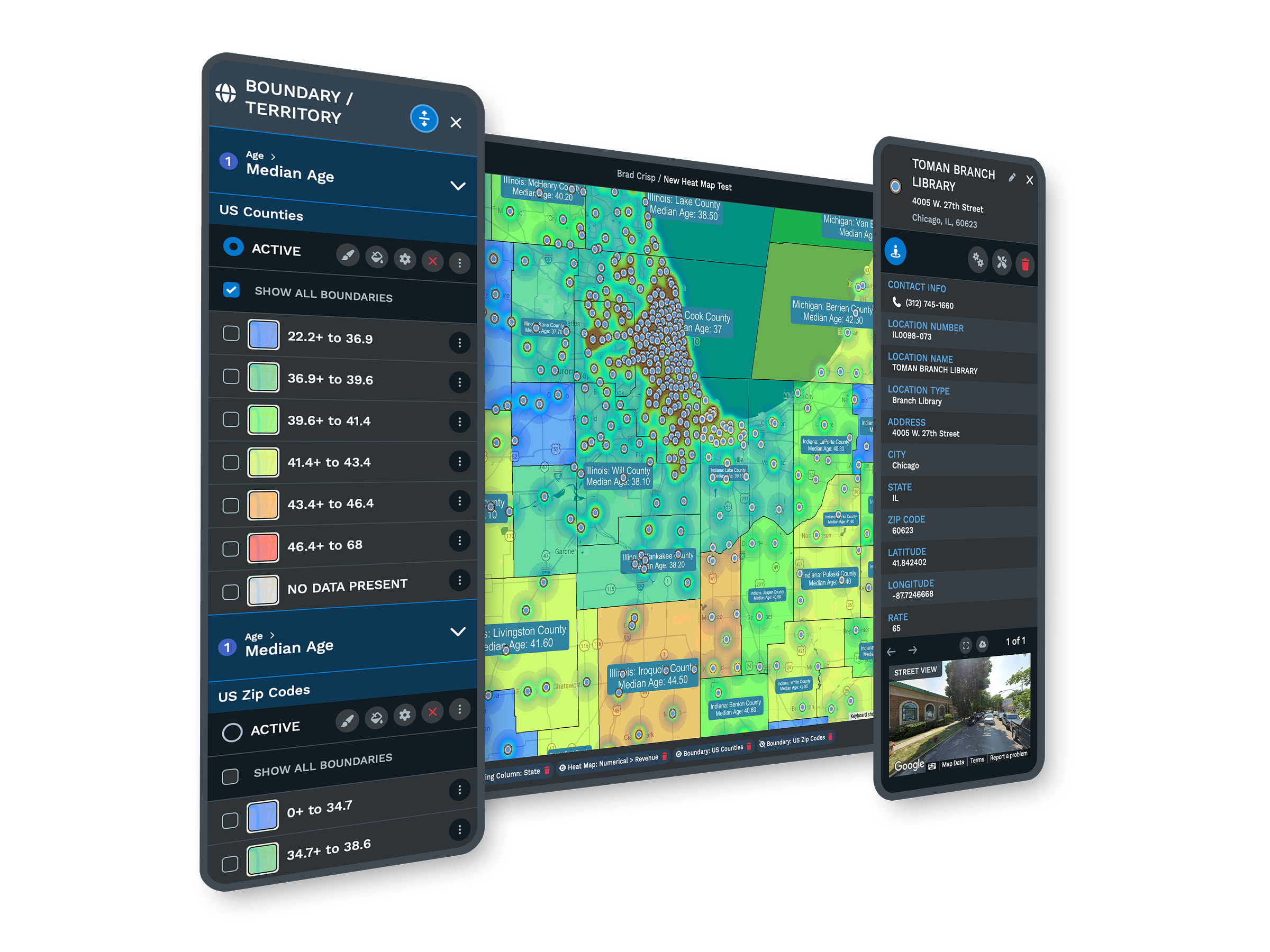
Here's What You Get With Maptive
No Technical Prerequisites
Scripting skills and GIS training are not required. The interface handles the complex operations, so you focus on what the data tells you.
Enterprise-Scale Processing
Map up to 100,000 locations and render 200,000+ markers without slowdowns, and geocode 50,000 rows in 30 seconds. Your data will not outgrow Maptive.
Real-Time Collaboration
Share a map with one click, add password protection, embed it on your site, and control exactly what each person can see or change.
Expert Support Included
Mapping specialists are available by chat, phone, and email, and most questions are answered in under 15 minutes. You are never on your own.
Browser-Based Access
Work from any device with nothing to install. Updates ship automatically, so you always have the latest tools.
Fast Data Processing
Large uploads geocode quickly, with no waiting, no lag, and no frozen tabs when you build complex visualizations.
CRM and Spreadsheet Integration
Salesforce, HubSpot, Zoho, Pipedrive, Keap, and Google Sheets all stay in sync, so your maps reflect your current data.
Enterprise Security
256-bit encryption, two-factor authentication, single sign-on, role-based access, and Salesforce AppExchange certification keep your information protected.
Alternative to Maptitude FAQs
How Easy Is It to Switch From Maptitude to Maptive?
What Mapping Features Matter Most for Business Users?
How Does Data Privacy Work With Cloud Mapping Software?
Can Maptive Handle Large Datasets Without Slowdowns?
What Should I Look for in Mapping Software Support?
Does Maptive Work on Mac and Windows?
Can I Import Excel or Google Sheets Data?
What Are the Advantages of Using a Google Maps-Based Tool?
How Does Route Optimization Work?
What Happens if My Browser Closes While I'm Working?
Does Maptive Have a Free Trial?
What Integrations Does Maptive Offer?
How Secure Is My Data With Maptive?
Can Maptive Help With Territory Mapping and Sales Planning?
How Does Maptive Handle Large, Complex Datasets?
What Support Options Are Available?
Is Maptive Good for Team Collaboration?
How Quickly Can I Get Started?
Free trial, every tool, no credit card
See Your Data on a Better Map
Start a 10-day free trial with no credit card and every tool unlocked, or book a demo and we will set it up around your data. Most people build their first map in under five minutes.
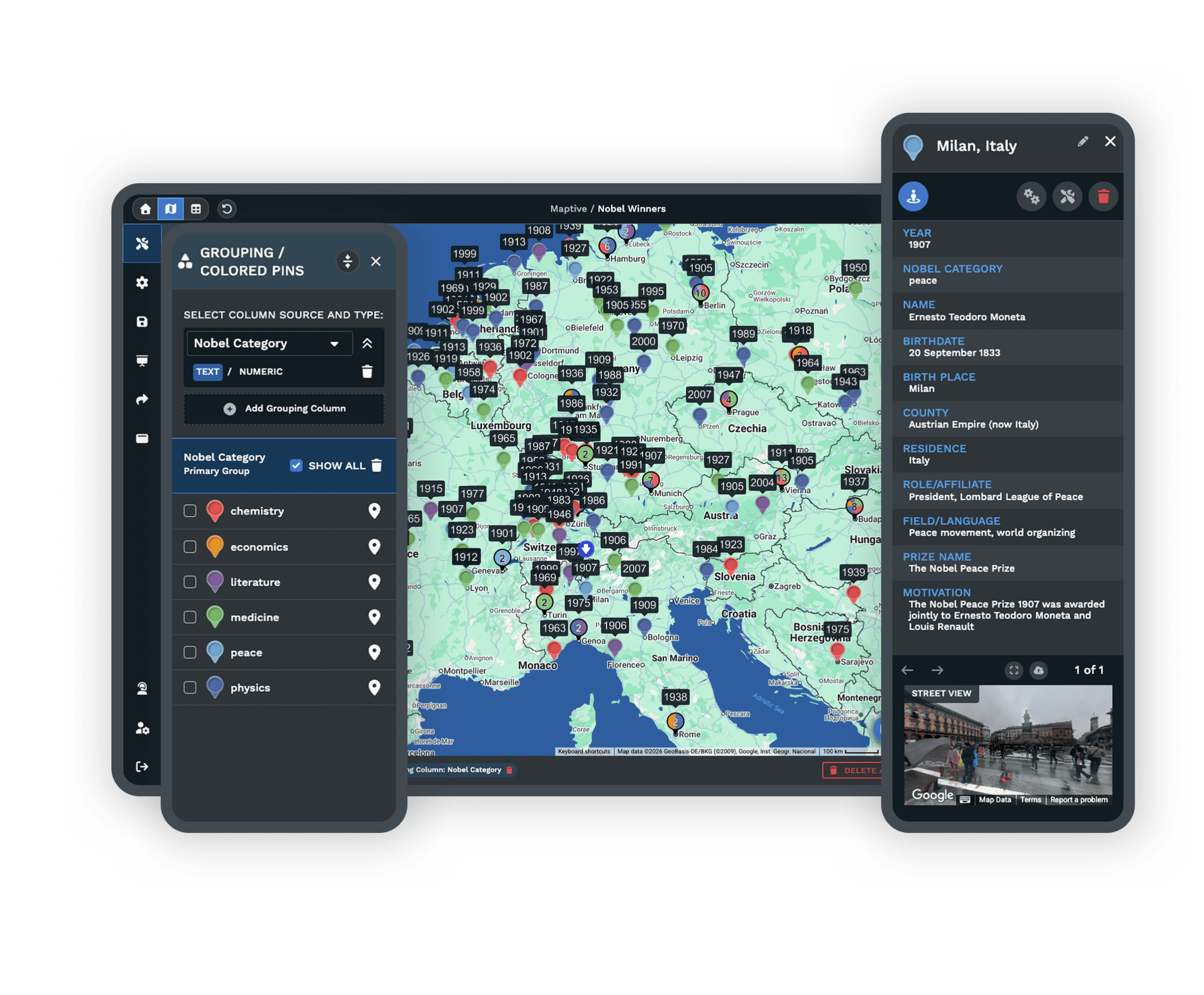
Switching From Maptitude?
Our team converts your spreadsheet and project files at no charge, and a specialist walks you through setup. Most migrations wrap up within two business days.








