


Mapbox Alternative
Mapbox is a developer platform that expects you to write code before you see a map. Maptive gives you the same Google Maps power in your browser, ready to use the moment you upload a spreadsheet, with no developers and no setup.
No credit card required
- No coding or developers needed
- Business-ready in your browser
- 60+ tools on every plan
- Live support from real people
Trusted by teams at
















Why Teams Look Past Mapbox
Mapbox is built for developers. If you want a map today without writing code, that gap shows up fast.
Maps that freeze the moment you load real data turn a key client meeting into a scramble. Heavy datasets bring developer tooling to a crawl, outages land at the worst time, and a frozen map in the middle of a project is a problem teams hit again and again. You need maps that hold up when the pressure is on.
Usage-based bills climb without warning, and strict licensing locks you to one provider. Then there is data privacy, where customer information can pass to outside parties without a clear policy. Surprise costs and mid-year changes break a budget and stall projects, so planning ahead gets harder than it should be.
Maptive vs Mapbox, Side by Side
Where each tool fits, line by line.
| Feature | Maptive | Mapbox |
|---|---|---|
| Reliability | Fast and stable, rarely down, even with big or complex data sets. | Reports of glitches and outages that surface during busy moments. |
| Ease of Use | No code needed. Upload a spreadsheet and build a map in minutes with guided steps. | A developer platform with a complex setup and a steep learning curve. |
| Speed | Handles large datasets smoothly, with tens of thousands of points on one map. | Maps can freeze and lag as the data load grows. |
| Cost Predictability | Transparent pricing with every feature included at each tier. | Usage-based bills with surprise charges and fees that are easy to miss. |
| Data Privacy | User controlled and never sold, with encryption and role-based access. | Policies can be unclear, with the chance of third-party data sharing. |
| Flexibility | Open export and integration. Change plans or take your data any time. | Lock-in and restrictive contracts make switching harder. |
| Support | Fast and live, with real mapping experts by chat, phone, and email. | Delayed, impersonal replies through slower channels. |
Mapping That Works Every Time
Maptive gives you maps that load fast and stay stable, even with big or complex data sets. Teams report smooth performance during busy times and while plotting large numbers of points, so a demo or a deadline never waits on the software.
You skip the platform outages, the delays, and the missed moments that come from software problems. The work that crashes developer tooling runs cleanly here, and your maps are ready when you are.
Simple, Fast Setup for Every Team
You do not need to be a coder or an expert to use Maptive. Uploading data and building a map can take only a few minutes, the steps are clear, and a guide is available for every action.
People coming from other platforms start mapping right away with no special training. If you can use a spreadsheet, you can build a working map in your first session.
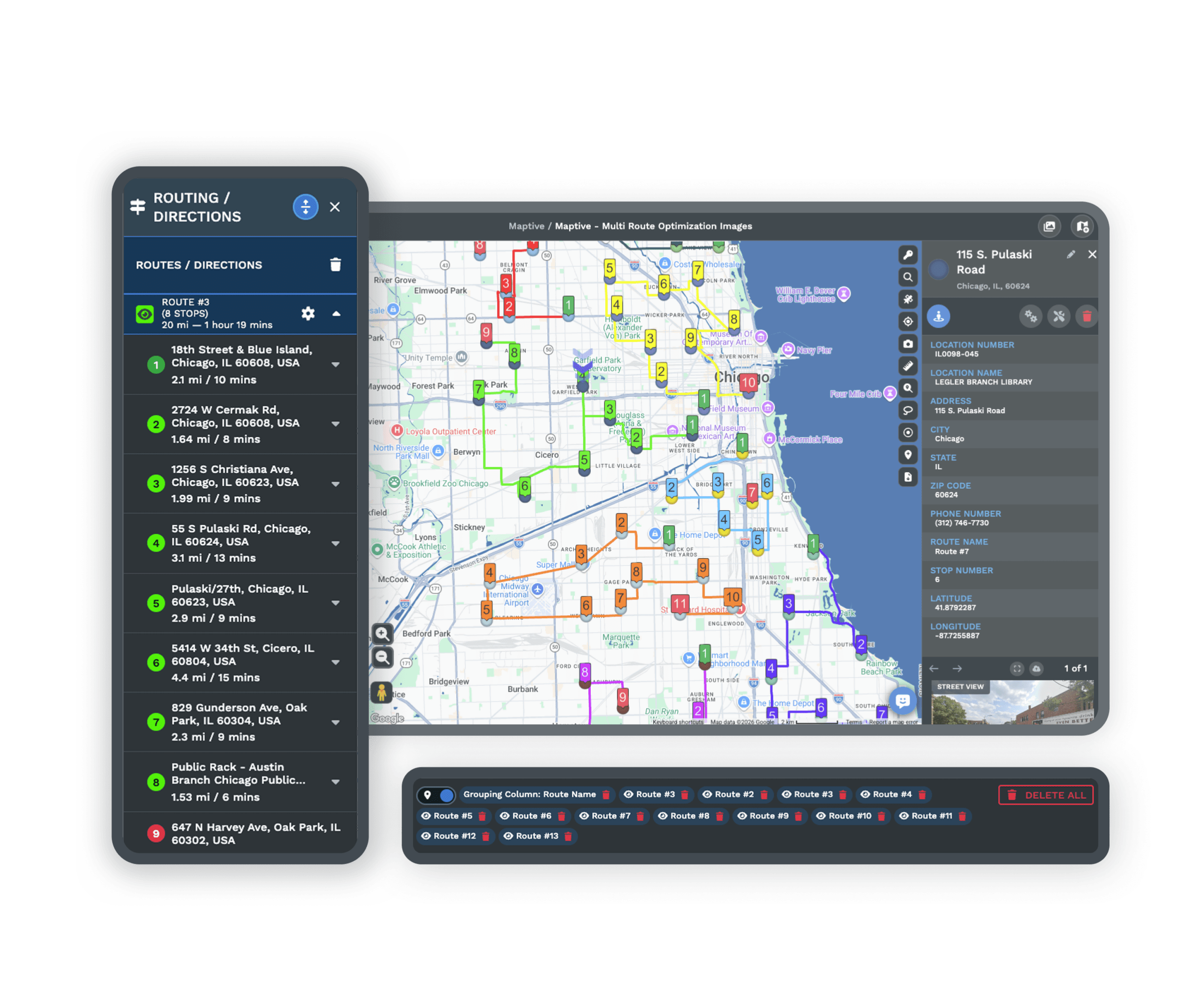
White Glove Support, Real Help When You Need It
Our support team is ready by chat, phone, or email for any issue, simple or advanced. Response times are short and the answers are useful, so you keep moving instead of waiting on a ticket queue.
Many larger platforms offer only slow ticket systems or forum threads. Maptive support is known for solving problems fast, and G2 rates our support 9.7 out of 10.
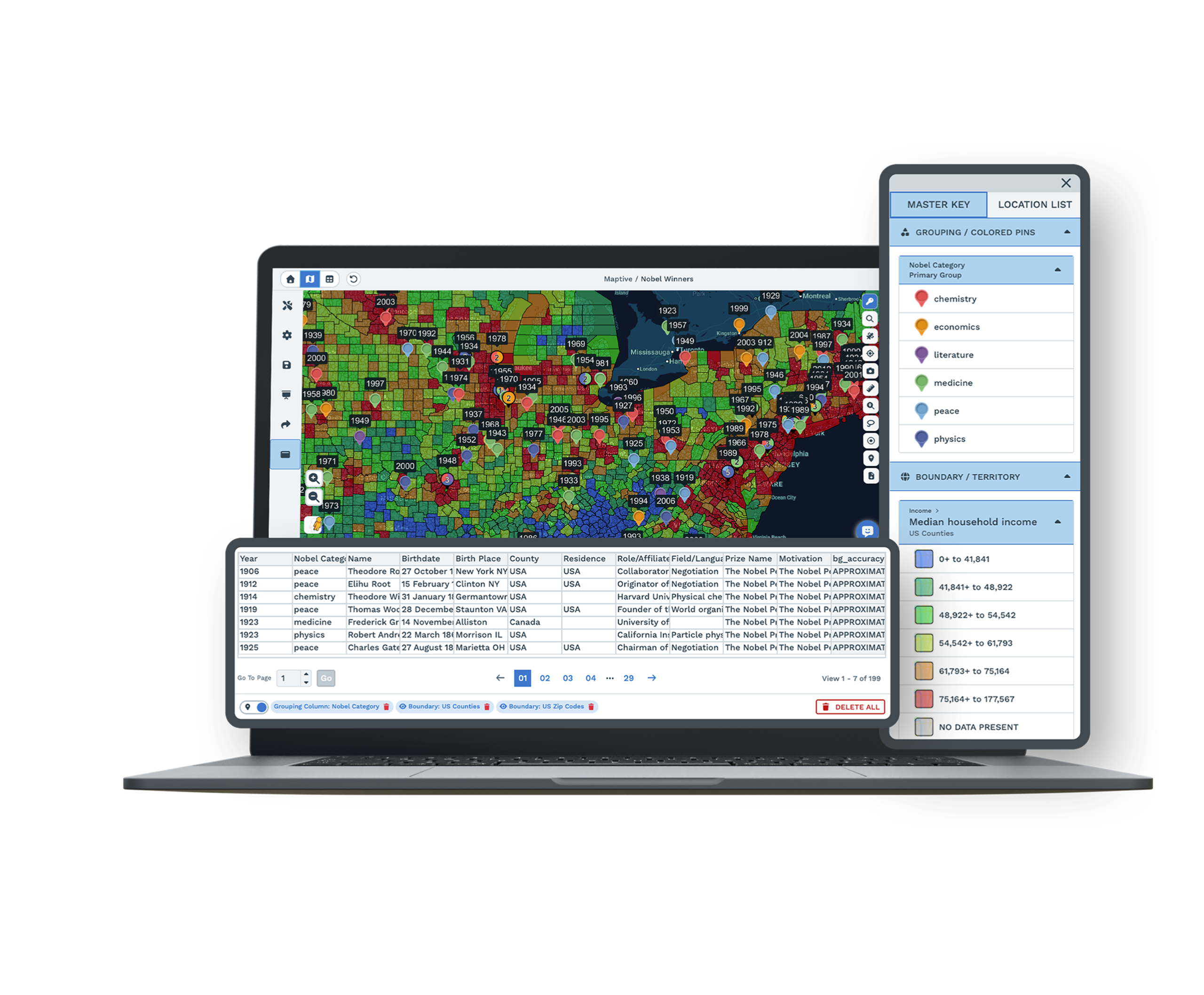
Easy Collaboration Without the Friction
Maptive makes sharing maps simple. Share an interactive map by secure link, export it for a report, or embed it on your site, and control who gets access with permissions you set.
Changes are live and instant, so your team and clients always see the current version. You skip the slow, clunky sharing found in many other tools.
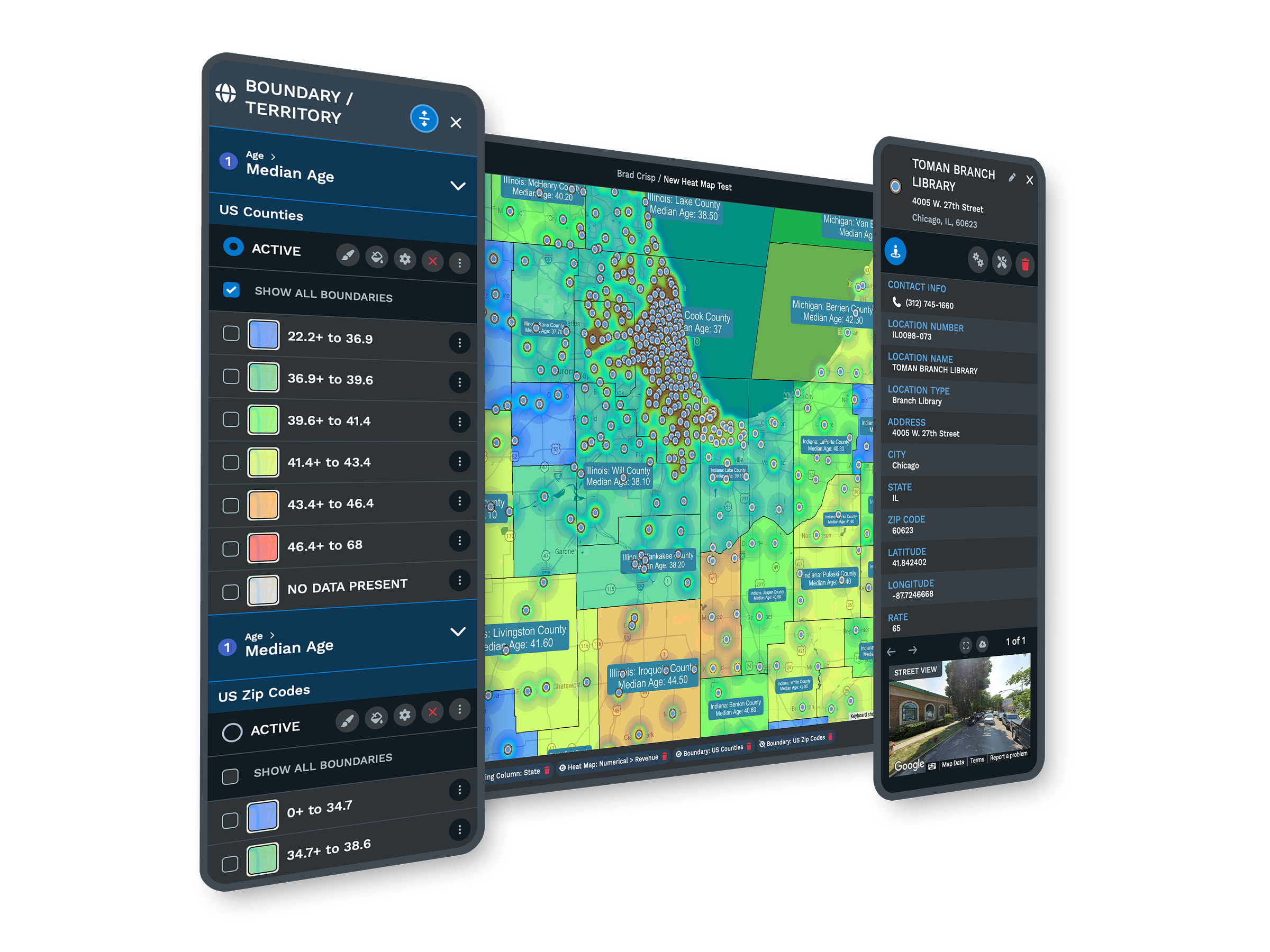
Features Built for Results
User-Friendly Interface
A clean dashboard with step-by-step guides and menus that make sense. Drag, drop, and build maps with no training. G2 reviewers often note that new users make maps on their first day.
Reliable Large Data Handling
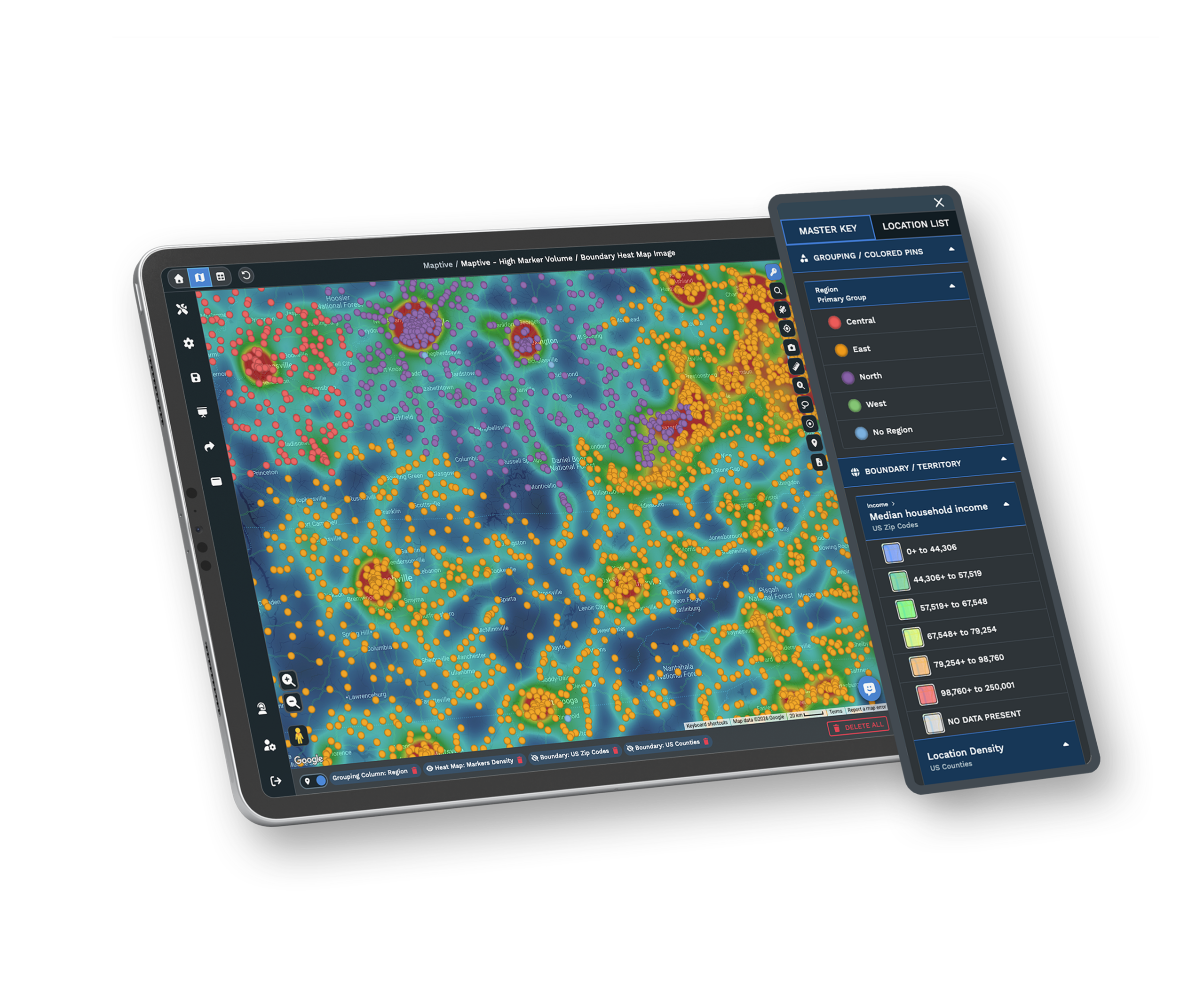
Work with small lists or huge data sets and map tens of thousands of points without slowdowns or crashes. Logistics and sales teams report smooth, stable maps during busy demos.
Customization & Branding
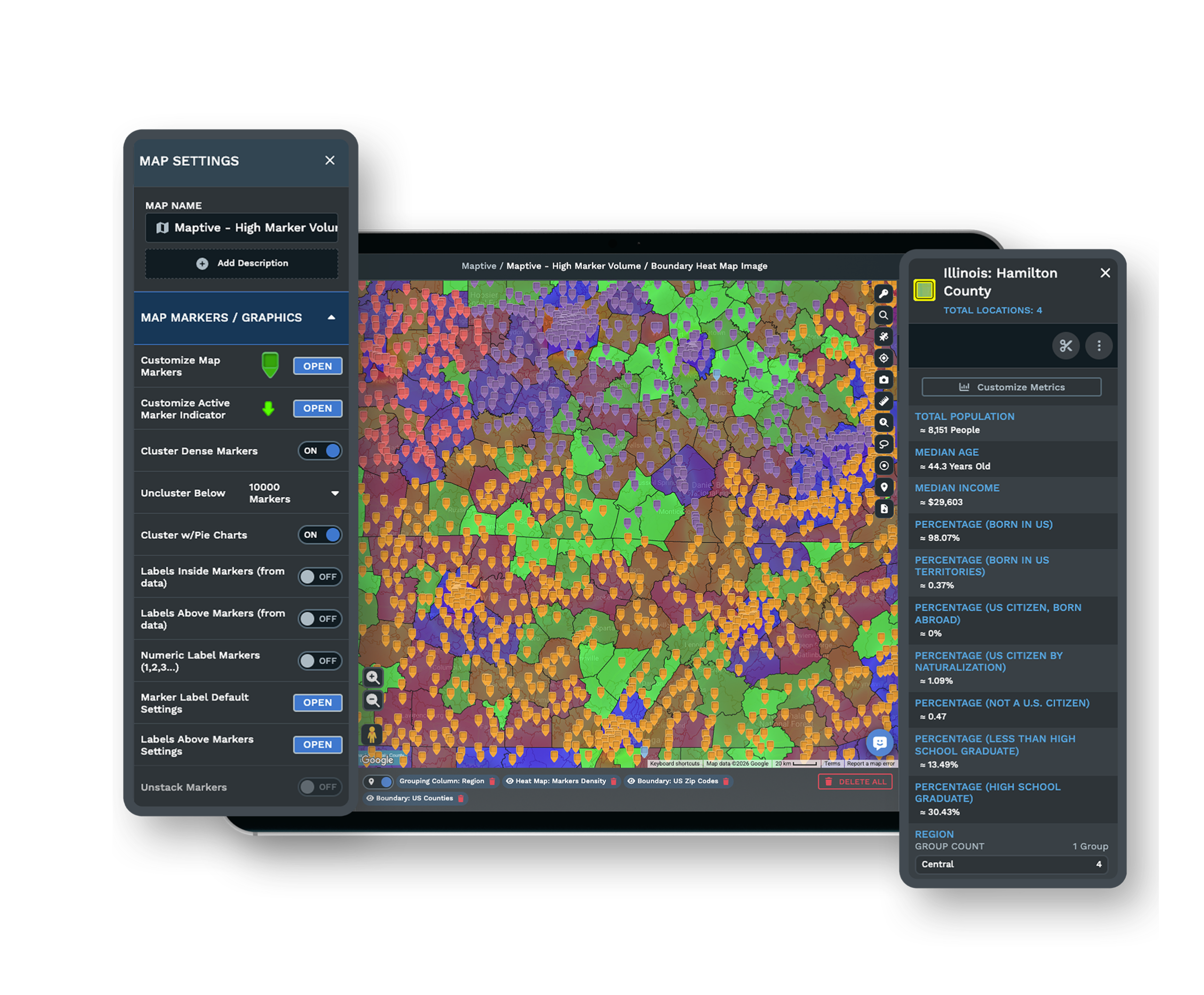
Add your logo, choose your colors, set custom icons, and label points or routes. Apply your branding in a few clicks, so maps are ready for executives, clients, or reports.
Powerful Analysis Tools
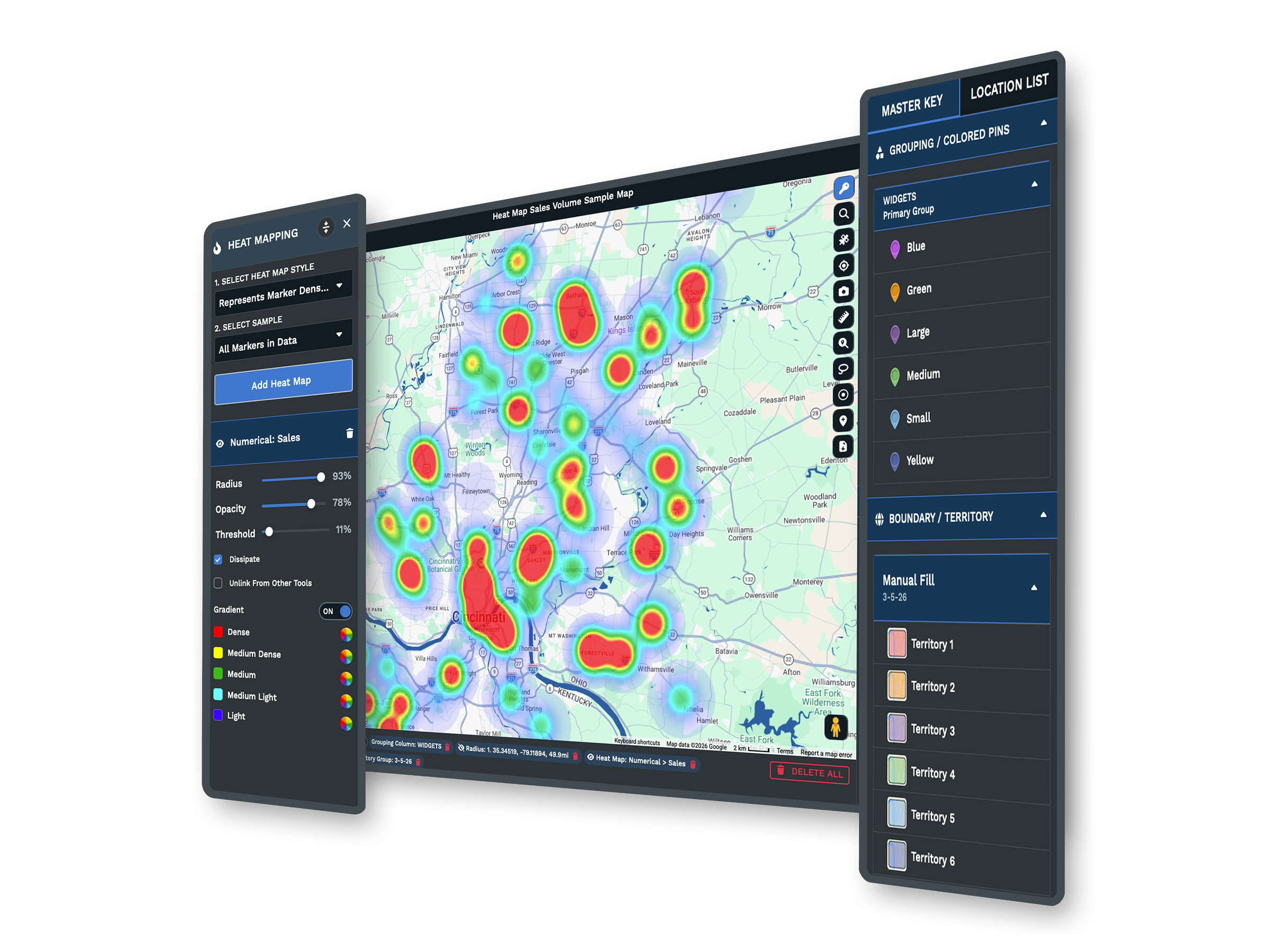
Heat maps, route planning, and data overlays with no code. Uncover trends, plan routes, and segment markets. Business users on Capterra call these tools key to faster decisions.
Secure Sharing & Exporting
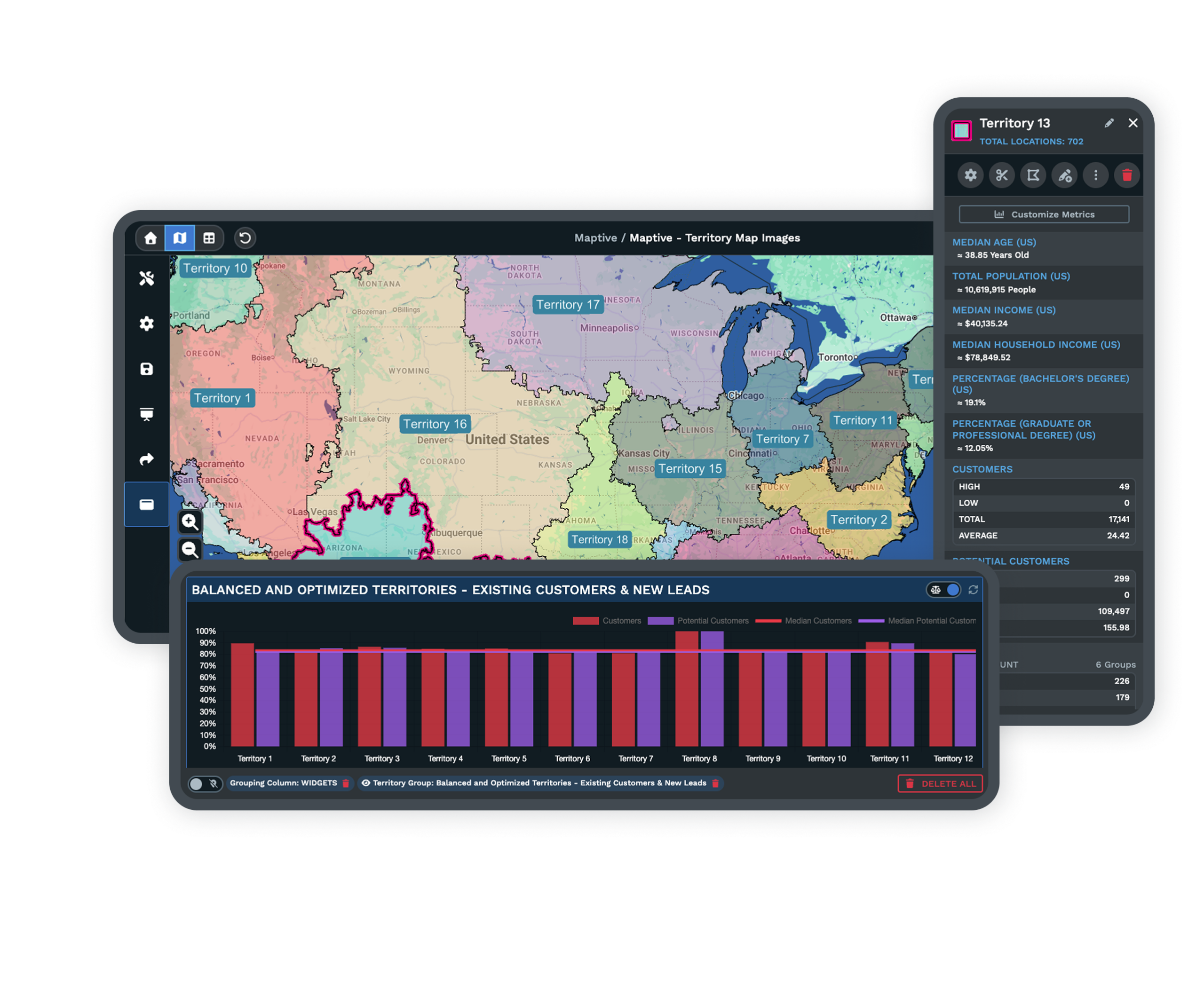
Share maps with secure, role-based links, publish them to your site, or export to PDF and PNG. Your data stays safe, and you reach internal and external audiences with ease.
Trusted Support & Training
Every plan comes with fast support and free training sessions. Teams value being able to ask questions and get direct answers on the features that matter to them.
Mapbox Alternative FAQs
Can non-developers use Maptive instead of Mapbox?
Why are map outages and slowdowns so common with some platforms?
Will I face surprise fees or confusing pricing?
How can I avoid privacy concerns with cloud mapping tools?
Is it hard to switch from Mapbox to Maptive?
Will I pay extra for basic or advanced features?
Can I use Maptive with spreadsheets or CRM data?
What happens if my maps or data get too big?
What devices and browsers work with Maptive?
How quickly can I start using Maptive?
Free trial, every tool, no credit card
See Maptive Run on Your Own Data
Start a 10-day free trial with no credit card and every tool unlocked, or book a walkthrough with an expert. It takes only a few minutes to see faster, safer, more reliable mapping without the usual hassle.
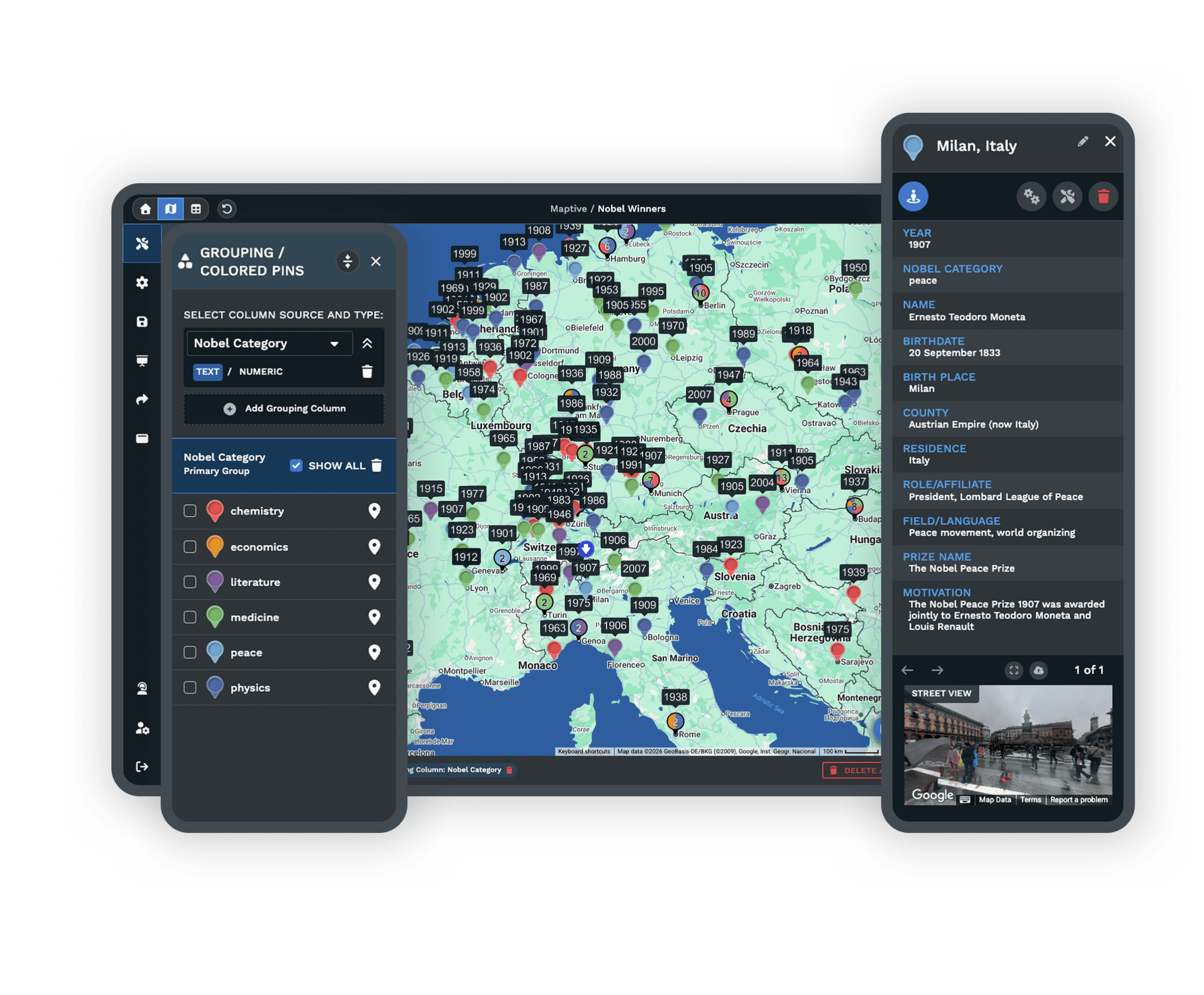
Switching From Mapbox?
Upload your spreadsheets, follow step-by-step imports, and get live onboarding help to move your maps over fast. Most teams complete the move in a few hours, with no contracts to lock you in.









